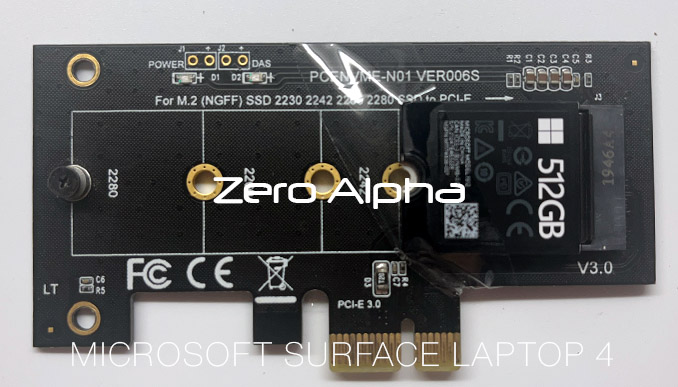
Mircosoft Surface Laptop 4 (1951) Data Recovery
Zero Alpha offers professional data recovery for Microsoft Surface Laptop devices, including models with 256GB, 512GB, and 1TB solid-state storage. These laptops use high-speed NVMe SSDs designed for performance and portability. Users may experience problems such as sudden drive failure, data loss after Windows updates, BitLocker encryption issues, or devices no longer detecting the internal storage. We accept mail in jobs from Australia and worldwide.
Microsoft Surface Laptop 4 1951 Common Problems
- Internal NVMe SSD not detected by BIOS or Windows
- Sudden data loss after system updates or crashes
- BitLocker encryption preventing access to files
- Firmware corruption on the SSD
- Device stuck in boot loop or recovery mode
- Liquid damage affecting storage or motherboard
- Overheating causing SSD instability
- Failed Windows reset or reinstall leading to missing data
MICROSOFT SURFACE LAPTOP 4 Data Recovery Caselog
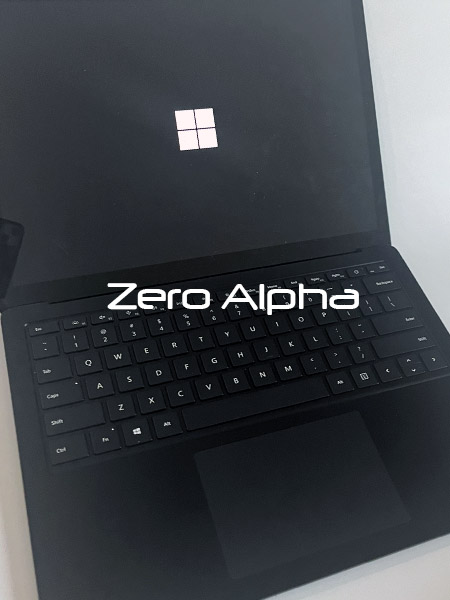
09FEB26: This surface laptop 4 model 1951 came into data recovery at our Brisbane data recovery service. It would not boot up into windows anymore and only flashed the windows logo. No safe mode or recovery modes would work. We were able to recover all the files again from the ssd drive.
Surface Pro Laptop Stuck on Windows Logo Loop Problem
The Surface Pro Laptop being stuck in a Windows logo loop is a frustrating issue encountered by users, where the device continuously restarts, failing to progress beyond the Windows logo during boot-up. This problem may arise due to various reasons, such as corrupted system files, failed updates, or conflicts with hardware drivers. Users experiencing this loop find themselves unable to access the desktop or perform regular tasks. To address this issue, troubleshooting steps may include attempting a forced restart, entering safe mode, or utilizing system repair tools like Automatic Repair. In more complex cases, users might need to perform a system restore, reinstall Windows, or seek professional assistance. The Surface Pro Laptop's Windows logo loop problem underscores the importance of keeping system files and drivers up-to-date to prevent such disruptions in the device's normal functioning.
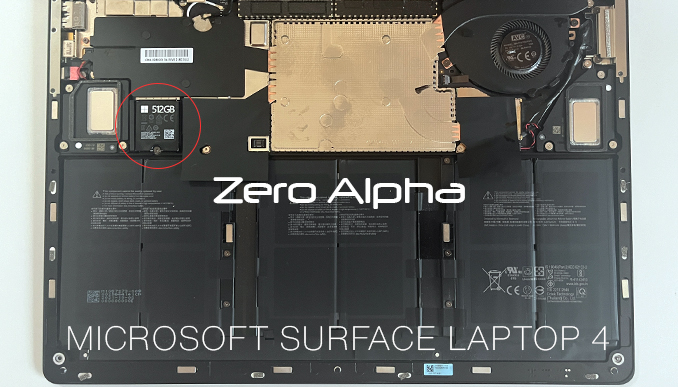
Surface Laptop SSD Adapter